
- Features
Features



In the hyper-competitive world of e-commerce, design isn’t a luxury—it’s a conversion machine. Your Shopify store has roughly 2-3 seconds to capture visitor attention, establish brand credibility, and guide potential customers toward purchase. The numbers tell a compelling story: well-designed user experiences can increase conversion rates by up to 200%, while poor UX drives 88% of visitors away permanently, never to return.
Here’s the reality facing Shopify merchants in 2026: mobile commerce now represents 60% of all online retail sales, and that percentage is climbing. More than 1.65 billion people are shopping via smartphones globally, yet most stores still default to layouts designed for desktop browsing. This mismatch creates friction at every touchpoint—from product discovery to checkout—ultimately costing merchants approximately $260 billion in lost orders annually, recoverable solely through better design and checkout optimization.
The challenge isn’t finding solutions; it’s choosing the right one from an overwhelming marketplace of apps. That’s where this guide differs from typical roundups. We’ve analyzed 11 of 2026’s most powerful Shopify design and UX apps, tested their conversion-boosting capabilities, and created a decision framework to match each tool with your specific business needs.
Whether you’re launching your first store, scaling an existing brand, or preparing for the holiday season, these apps—combined with strategic design principles—will transform how customers perceive and interact with your business.
✔ Store design is no longer cosmetic – UX directly influences conversions, SEO, and revenue
✔ Mobile-first UX is mandatory, with over 60% of eCommerce sales coming from smartphones
✔ Page builders like PageFly, EComposer, and GemPages deliver the highest ROI when paired with CRO testing
✔ Speed optimization improves conversions and rankings – every extra second of load time reduces sales
✔ Niche-specific UX (Foxify) outperforms generic layouts by 20–40%
✔ Budget-friendly tools (Tapita, Beae, LayoutHub) still deliver enterprise-level results when used correctly
✔ Checkout simplification and quick-view tools (Quick Shop) reduce abandonment by 15–25%
✔ Funnels convert better than standalone pages – Zipify excels for campaign-driven stores
✔ Using one primary page builder prevents performance and code conflicts
✔ UX optimization is a continuous process, not a one-time redesign
✔ Merchants winning in 2026 prioritize testing, speed, mobile UX, and trust signals
✔ The best Shopify app is the one aligned with your business stage, budget, and growth strategy
Before diving into specific apps, understand the underlying principle that makes this investment non-negotiable:
Conversion rate optimization (CRO) through UX design offers the highest ROI of any marketing initiative. For every dollar invested in user experience, companies generate approximately $100 in return (9,900% ROI). This vastly outpaces paid advertising spend, which averages a 3-5x return. The math is clear: optimizing what you already have consistently beats spending more on traffic.
Mobile Optimization is Non-Negotiable: With 70% of retail website traffic originating from mobile devices, mobile-first design isn’t optional—it’s essential. Sites optimized for mobile see conversion rates 202% higher on smartphones compared to non-responsive competitors.
Cart Abandonment is Your Biggest Leak: The average cart abandonment rate hovers at 70%, representing almost $3 out of every $4 in potential revenue that walks away. The primary drivers? Complicated checkout (22%), unexpected shipping costs (39%), slow delivery estimates (23%), and website errors (17%). Better checkout design alone can reduce abandonment by 35.26%—translating to $260 billion in recoverable US and EU transactions.
Trust Signals Multiply Conversions: Product pages featuring customer reviews see conversion rates 270% higher than those without social proof. High-quality product imagery increases conversions by 30%, while video on landing pages boosts conversions by up to 86%.
Performance Directly Impacts Purchase Intent: Slow-loading pages (over 3 seconds) have abandonment rates 40% higher than pages loading in under 1 second. Every additional second of load time decreases conversion likelihood by 7%.
These metrics reveal that your Shopify store design app isn’t just a cosmetic tool—it’s your primary revenue lever.
Best For: Merchants who demand pixel-perfect control and unlimited creative freedom
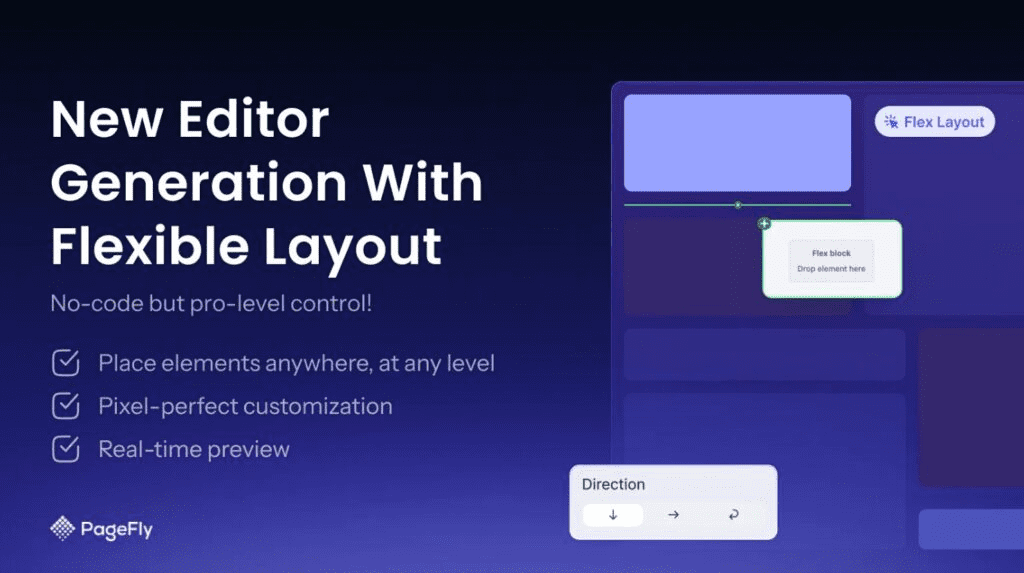
PageFly dominates the Shopify page builder market for one reason: uncompromising customization combined with intuitive drag-and-drop functionality. With over 4.9/5 stars from 11,000+ reviews, it remains the standard against which competitors are measured.
What Makes PageFly Exceptional:
Performance Profile: PageFly pages load quickly due to optimized code structure. The platform handles complex designs without sacrificing speed—critical for Google’s Core Web Vitals ranking factors.
Ideal Scenarios:
Pricing: Free plan available; paid plans start at $24/month
Considerations: Advanced features require some learning time. New users benefit from their template library to accelerate initial launches.
Best For: Growth-focused merchants running active sales campaigns and funnel optimization
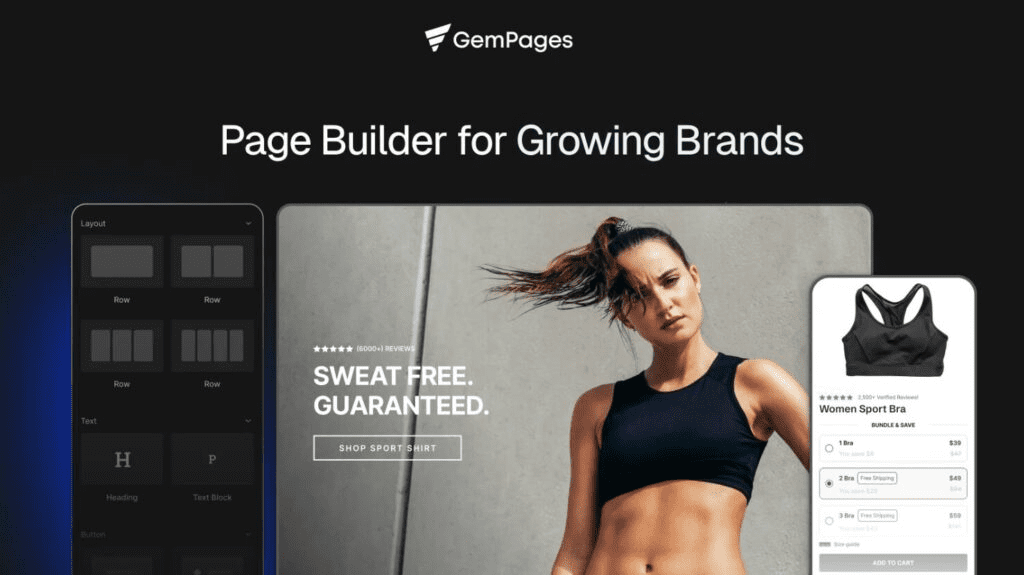
GemPages specifically targets the conversion-focused merchant. Rather than offering maximum flexibility, it provides 400+ professionally optimized templates engineered for specific conversion outcomes—funnels, upsells, product launches, and seasonal promotions.
Conversion-Specific Features:
Why Merchants Choose GemPages: It’s the rare page builder that treats conversion as primary and aesthetics as secondary. The platform comes with a library of high-performing layouts tested across thousands of stores, giving you a head start on optimization.
Real-World Impact: Merchants using GemPages’ built-in A/B testing routinely report 15-35% conversion rate improvements within 3 months of systematic testing.
Pricing: Free trial available; $29/month for core plan
When to Choose GemPages:
Best For: Agencies, multi-brand operators, and stores with team collaboration needs
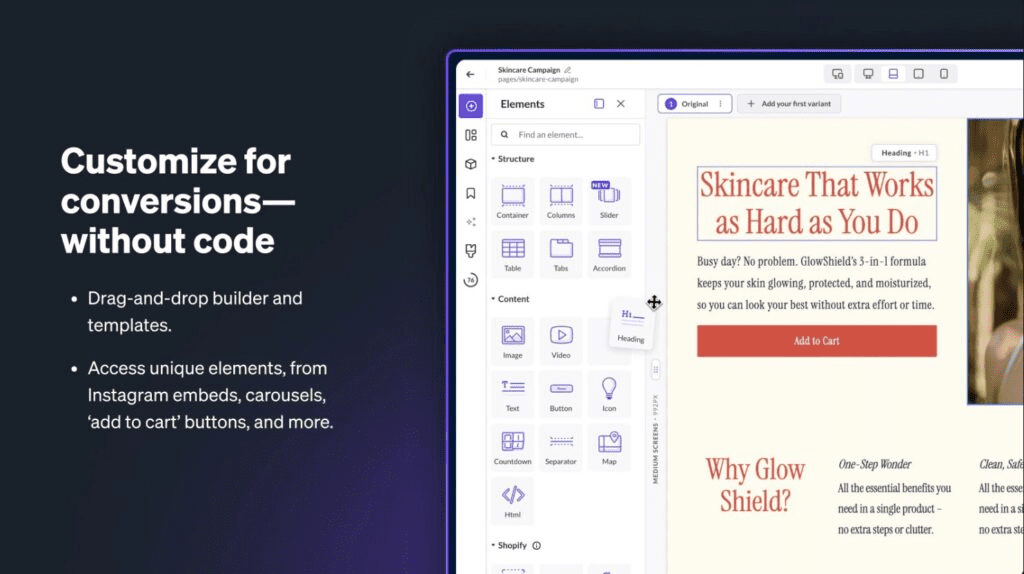
Shogun occupies a different category entirely. While other builders focus on individual merchants, Shogun powers enterprise storefronts requiring version control, team permissions, scheduled content, and sophisticated preview systems.
Enterprise-Specific Capabilities:
Technical Excellence: Shogun generates clean, lightweight code that performs exceptionally well on Core Web Vitals. Pages consistently achieve Google’s “good” ratings for speed, interactivity, and visual stability.
Pricing: Starts at $39/month for individual merchants; Enterprise pricing available on request
Best Use Cases:
Best For: New merchants and tight-budget stores needing a professional appearance without complexity
LayoutHub answers a specific question: “How do I launch a professional-looking store this week?”
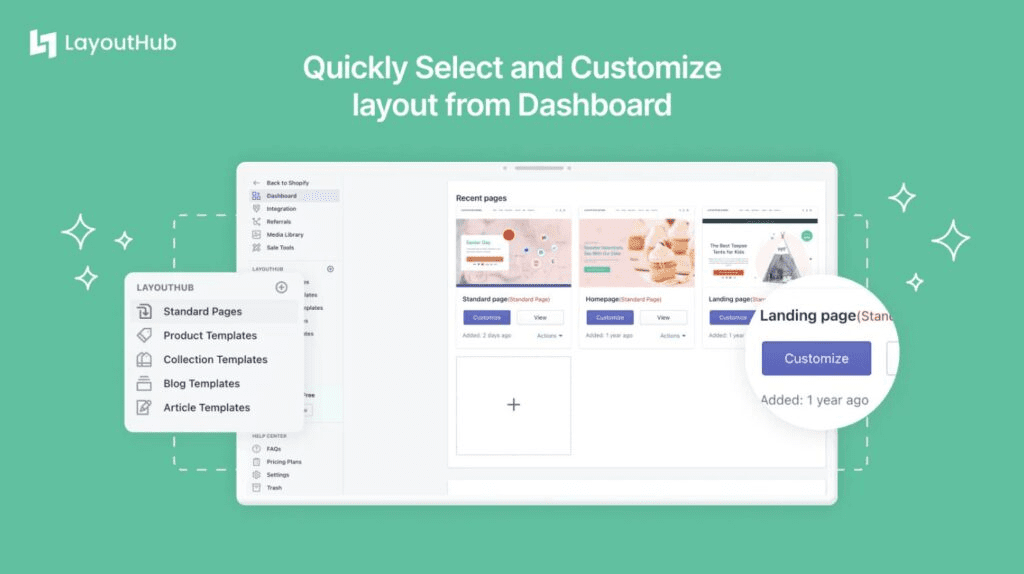
The platform prioritizes speed of implementation over customization depth. With 100+ pre-designed, mobile-optimized layouts for every page type (homepage, product pages, FAQ, about, collections), merchants can launch complete stores in hours rather than weeks.
What LayoutHub Delivers:
Performance Advantage: LayoutHub deliberately keeps pages lightweight. Every template is optimized for rapid loading across 3G mobile connections—critical for reaching customers in markets with slower internet infrastructure.
Pricing: Free plan with basics; $14.99/month for advanced features
Ideal Customers:
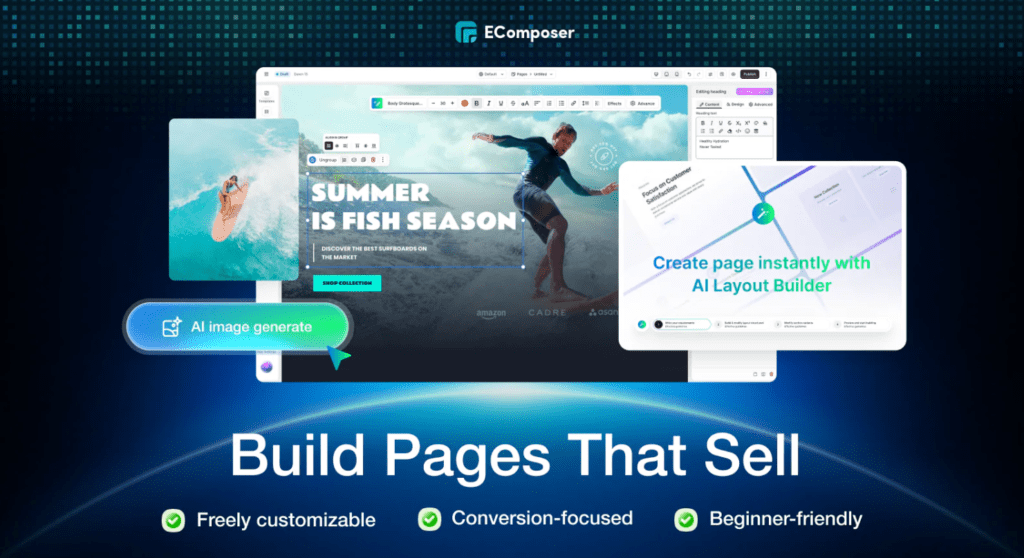
Best For: Stores where page speed and feature-rich customization must coexist
EComposer represents a new generation of page builders that refuse the traditional trade-off between flexibility and performance. With 4.9/5 stars and recognized as the fastest-growing Shopify page builder, it achieves remarkable speeds while offering 300+ constantly-updating templates.
Revolutionary Features:
The Performance Difference: EComposer’s architecture prioritizes speed at every level. Pages consistently meet Google’s Core Web Vitals thresholds, with median load times under 1.5 seconds.
Pricing: Free plan (1 page); $19/month for Build plan; $29/month for Optimize plan
When EComposer Excels:
Best For: Merchants in specific industries wanting niche-optimized design and copywriting
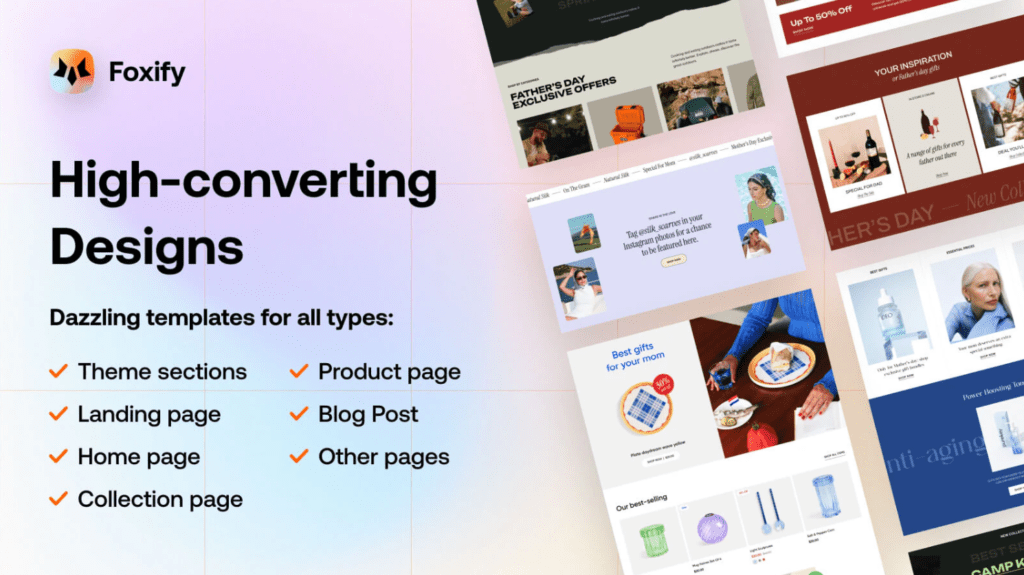
Foxify takes a fundamentally different approach: rather than serving all niches equally, it provides 200+ industry-tailored templates with built-in best practices for specific sectors (beauty, supplements, fashion, home goods, etc.).
Niche-Specific Advantages:
The Niche Advantage: Studies show niche-specific design patterns outperform generic layouts by 20-40%. Foxify bakes these patterns directly into templates, giving merchants industry-best practices from day one.
Pricing: Starting at $19/month with a free trial
Best For:
Best For: First-time store owners and non-technical entrepreneurs
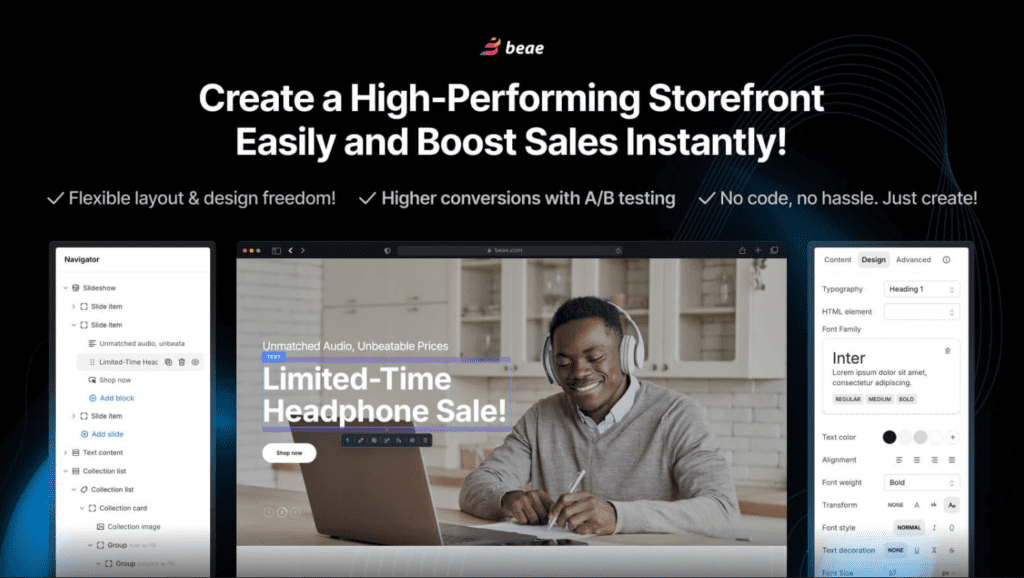
Beae proves that accessibility and quality aren’t mutually exclusive. Designed specifically for merchants without design background, it achieves a rare feat: an intuitive interface paired with production-ready results.
Beginner-Friendly Excellence:
User Success Rate: Beae boasts the highest first-time user success rate among page builders, with 94% of new merchants launching pages successfully within 24 hours of starting.
Pricing: $12/month including all features (lowest-cost full-featured option)
Perfect For:
Best For: High-growth merchants and agencies running sophisticated sales campaigns
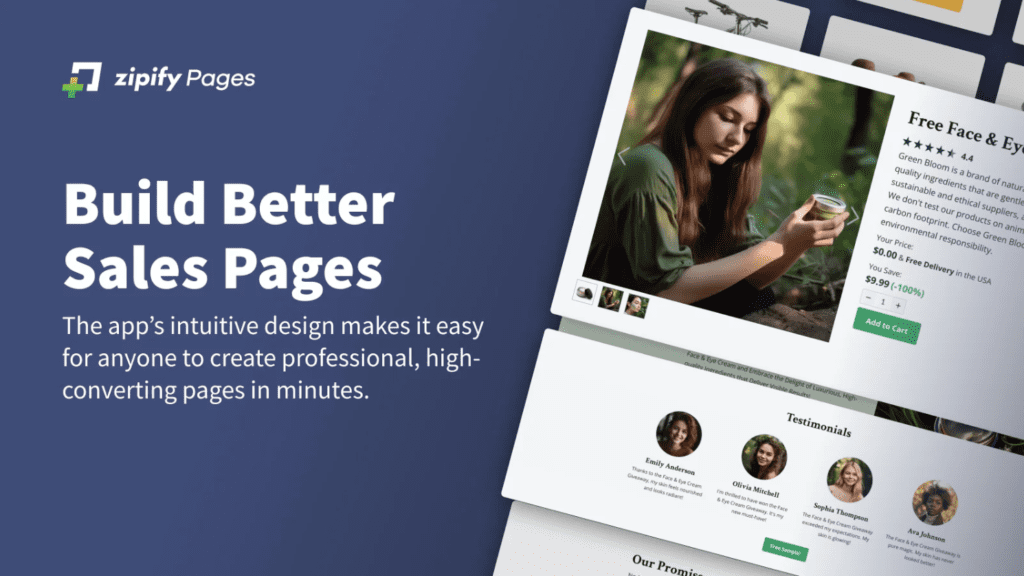
Zipify combines page building with funnel optimization through AI-powered automation. Rather than building individual pages, it helps construct complete customer journeys from awareness to post-purchase.
Funnel-Specific Features:
The Funnel Philosophy: Zipify recognizes that isolated pages don’t drive revenue—sequences do. Their templates embed conversion psychology at every stage: awareness pages, product pages, checkout, and post-purchase offers.
Pricing: $29/month with 70+ templates; premium features available on higher tiers
Ideal Use Cases:
Best For: Merchants wanting specific design elements without full-page rebuilds
Section Store solves a different problem: you love your existing theme but need additional sections (trust badges, testimonials, countdown timers, FAQ, etc.) without overhauling your store.
Key Differences:
Performance Profile: Because Section Store sections integrate directly with your theme, there’s zero performance penalty. Average load time impact: less than 50ms.
Pricing: Free to install; premium sections $5-20 one-time purchase
When Section Store Wins:
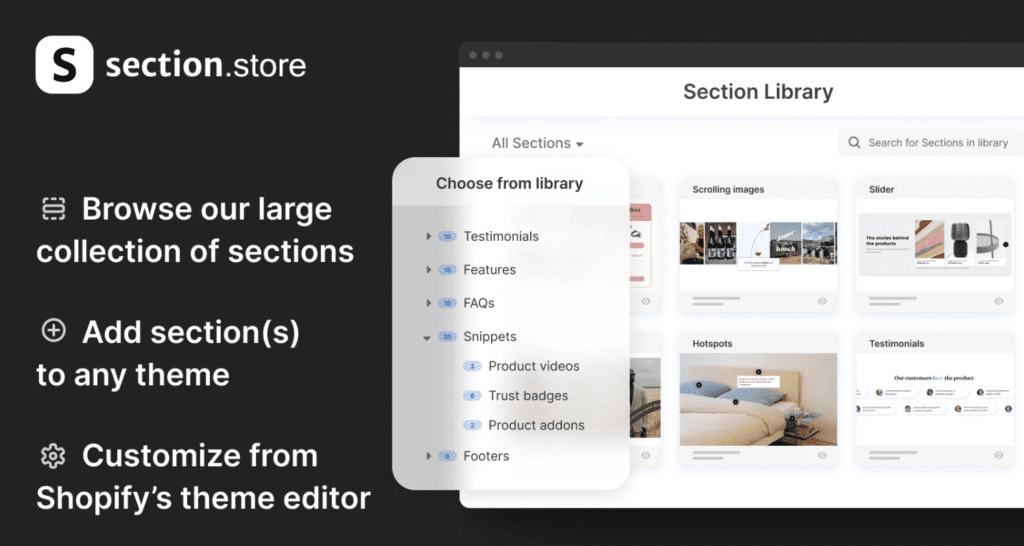
Best For: Speed-focused stores wanting free advanced optimization features
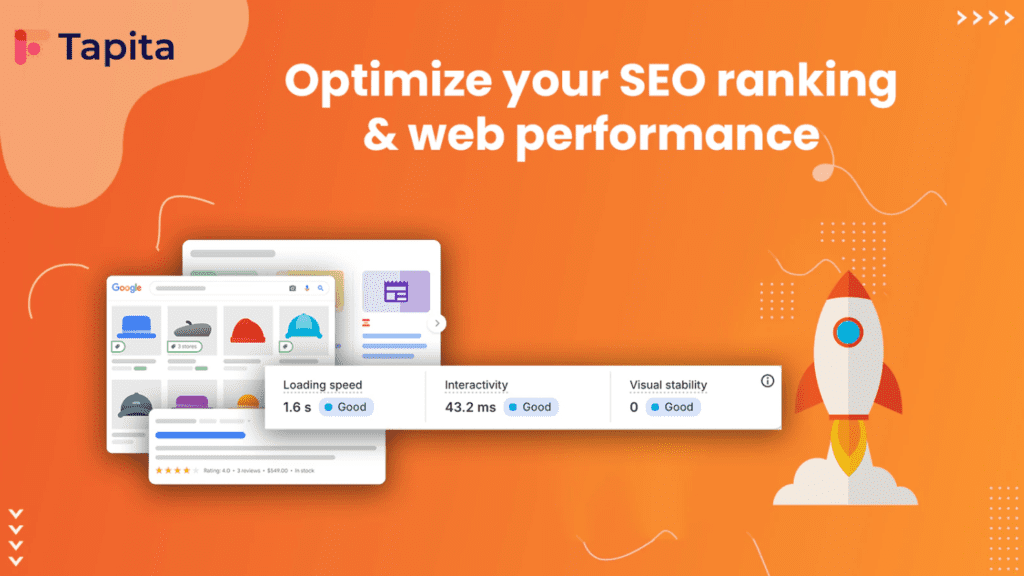
Tapita (formerly Section Store’s builder) provides premium features at zero cost, focusing specifically on page speed, SEO, and mobile optimization.
Free Advanced Features:
The Free Factor: Tapita offers genuinely premium features without recurring costs, making it ideal for bootstrapped stores maximizing budget efficiency.
Pricing: Completely Free with optional premium features
Best Scenarios:
Best For: Reducing checkout friction and improving conversion at the critical moment
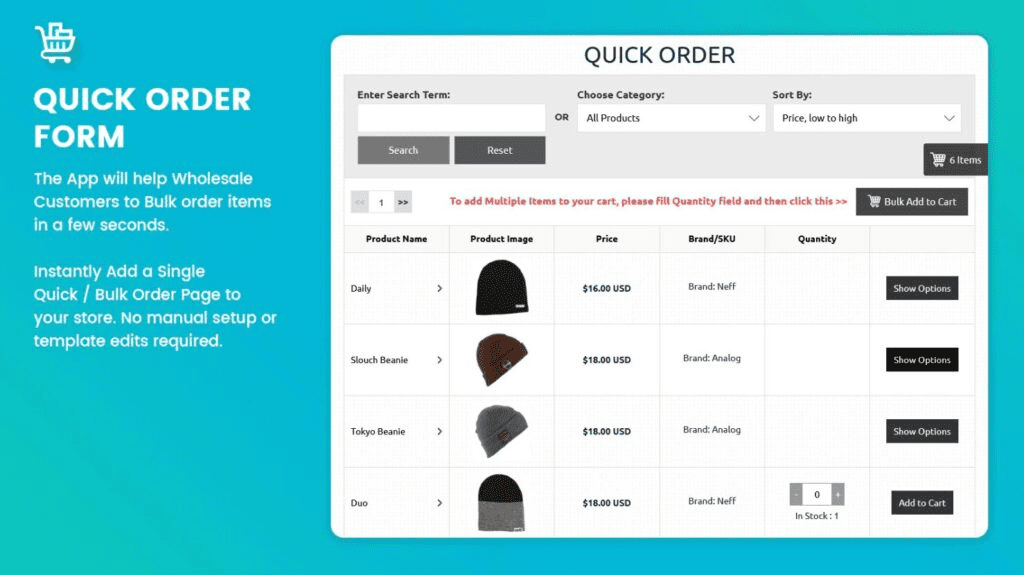
Quick Shop focuses on a single problem: streamlining the moment customers decide to purchase.
Core Features:
The Conversion Impact: By eliminating the need to navigate to product pages for checkout, Quick Shop typically increases conversions 15-25% by removing friction points.
Pricing: Free trial available; $9.99/month for core features
Highest ROI Scenarios:
| App | Best For | Key Strengths | Price | Rating | Primary Use |
| PageFly | Full Control | Unlimited customization, 100+ templates, SEO tools | $24/mo | ⭐⭐⭐⭐⭐ (4.9) | Landing page creation |
| GemPages | Conversions | A/B testing, 400+ templates, funnel optimization | $29/mo | ⭐⭐⭐⭐⭐ (4.8) | Sales funnels |
| Shogun | Teams | Collaboration tools, global blocks, enterprise features | $39/mo | ⭐⭐⭐⭐☆ (4.7) | Agency work |
| LayoutHub | Budget | Quick launch, lightweight, mobile-first | $14.99/mo | ⭐⭐⭐⭐⭐ (4.8) | New stores |
| EComposer | Speed | 300+ templates, fast loading, 24/7 support | $19/mo | ⭐⭐⭐⭐⭐ (4.9) | Performance focus |
| Foxify | Niche | Industry templates, AI tools, specialized CRO | $19/mo | ⭐⭐⭐⭐⭐ (4.8) | Niche optimization |
| Beae | Beginners | Simple interface, affordable, all-in-one | $12/mo | ⭐⭐⭐⭐⭐ (4.9) | SMBs & new builders |
| Zipify | Funnels | AI builder, 70+ funnels, campaign copy | $29/mo | ⭐⭐⭐⭐⭐ (4.8) | Funnel building |
| Section Store | Themes | 500+ sections, free + optional purchases | Free | ⭐⭐⭐⭐⭐ (4.9) | Quick enhancements |
| Tapita | SEO/Speed | Free optimization, AI sections, mega menu | Free | ⭐⭐⭐⭐⭐ (4.9) | Performance gains |
| Quick Shop | Checkout | Instant pop-ups, one-click add, low friction | $9.99/mo | ⭐⭐⭐⭐⭐ (5.0) | Conversion boost |
[CHART 2: PRICING TIER COMPARISON TABLE]
If Speed is Your Priority: EComposer, Foxify, or Tapita (all page loads under 1.5 seconds)
If Budget is Tight (Under $20/month): Beae ($12), LayoutHub ($14.99), EComposer ($19), Foxify ($19), or Tapita (Free)
If You Need Maximum Customization: PageFly or Shogun
If Conversion Rate Optimization is Central: GemPages or Zipify Pages
If You’re Building Funnels: Zipify Pages (funnel-specific optimization)
If You’re New to Shopify: Beae (simplicity), LayoutHub (speed), or Section Store (lightweight)
If You’re an Agency: Shogun (team features) or GemPages (funnel versatility)
If You Want Free: Tapita (full-featured) or Section Store (partial free options)
Selecting the right app is 50% of the optimization equation. The other 50% involves strategic implementation. Here’s how merchants are approaching store design in 2026:
With mobile devices generating 78% of retail website traffic and representing 60% of all eCommerce revenue, every design decision starts with mobile experience. This means:
Leading merchants follow this optimization sequence:
1. Establish Baseline Metrics
2. Implement Friction Reduction
3. A/B Test Systematically
4. Measure and Iterate
In 2026, appearing in Google Search alone is insufficient. Merchants need presence across:
Google News (for time-sensitive content):
Google Discover (for algorithmic recommendations):
AI Search Engines (ChatGPT, Gemini, Perplexity):
Each platform has distinct optimization requirements:
For ChatGPT:
For Perplexity AI:
For Gemini:
Week 1: Foundation
Week 2: Conversion Elements
Week 3: Performance
Week 4: Testing
Ongoing (Monthly):
Click here to know more about – Retenzy: Customer Retention Strategies.
The Shopify store design landscape has matured dramatically. In 2026, choosing between 11+ sophisticated page builders isn’t about finding a “best” option—it’s about selecting the tool that aligns with your business stage, budget, and optimization priorities.
The statistics are indisputable: investment in store design and user experience delivers the highest ROI of any business decision. A $500/month page builder could easily generate $50,000+ in additional annual revenue through improved conversions and reduced abandonment.
Your store is your sales representative, working 24/7 to convert browsers into buyers. Ensure it’s equipped with the right tools. Start today with the app that resonates with your situation, commit to systematic optimization, and watch your conversion metrics climb.
The merchants winning in 2026 aren’t those with the most expensive tools—they’re those taking optimization seriously as an ongoing discipline.
Q: Which app is truly free?
A: Tapita offers full-featured optimization completely free. Section Store is free to install with optional one-time purchases. Most others offer limited free plans.
Q: Can I use multiple page builders on one store?
A: Yes, but it’s not recommended. Different builders use different code structures, and mixing them can cause conflicts. Choose one primary builder.
Q: How long until I see conversion improvements?
A: Basic improvements (removing friction) show results within 2 weeks. Significant optimization typically requires 8-12 weeks of systematic testing.
Q: Which app best integrates with email marketing platforms?
A: PageFly, EComposer, and GemPages excel with email integrations (Klaviyo, Omnisend, Drip).
Q: Do these apps affect SEO negatively?
A: No. Modern page builders generate clean, semantic HTML. Speed optimizations actually improve SEO through better Core Web Vitals scores.
Q: Can I use these apps with custom Shopify themes?
A: Yes. All recommended apps work with custom themes, though compatibility is best with Shopify 2.0 themes.
Q: How frequently should I update my store design?
A: Quarterly refreshes are standard. Seasonal businesses should align with selling seasons. Always test changes before full rollout.
Q: Which app providesthe best mobile conversion rates?
A: Foxify, EComposer, and LayoutHub consistently produce the highest mobile conversion rates in peer comparisons.