
- Features
Features



In the world of e-commerce, every second counts and every pixel matters. That’s why image optimization has become a non-negotiable aspect of running a successful Shopify store. High-resolution visuals are essential for showcasing your products, but if they slow down your site, you could be losing conversions fast. In 2025, the best way to strike a balance between aesthetics and performance is by using a dedicated image optimizer Shopify app built for Shopify speed optimization.
These tools help you compress images without quality loss, automatically generate alt-text for SEO, speed up loading times, and enhance user experience, all of which contribute to better search rankings and higher sales. That’s why they’re now considered essential for any serious Shopify page speed optimization strategy.
Below, we’ve compiled a list of the Top 7 image optimization apps for Shopify, complete with pros, cons, and key features.
Best for: All-in-one optimization with SEO support
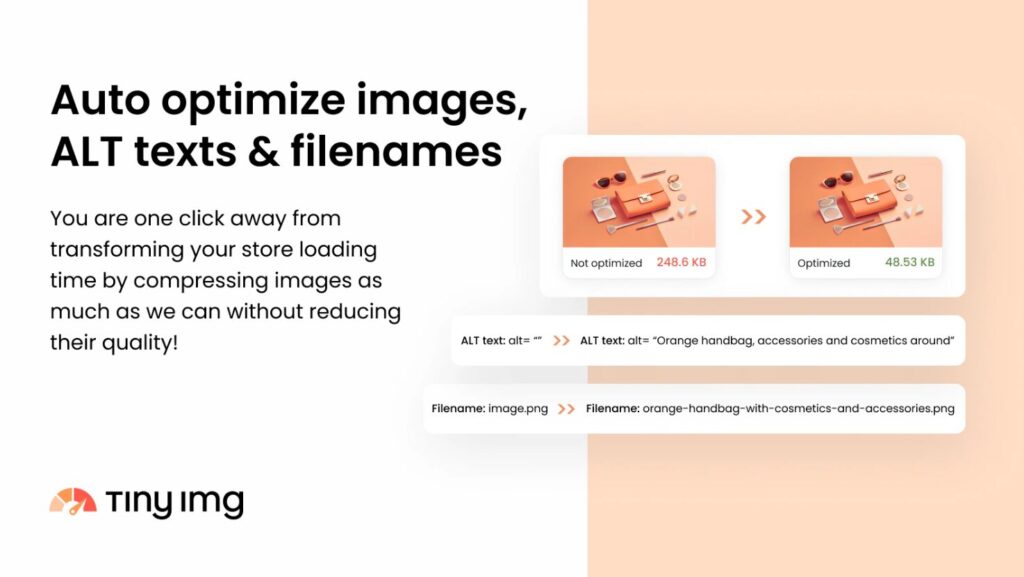
TinyIMG is one of the highest-rated image optimization apps on Shopify, offering automatic image compression, lazy loading, broken link redirection, and even structured data (JSON-LD) support. It also optimizes file names and alt-texts for better SEO and contributes directly to your Shopify speed optimization goals.
Key Features:
Pros: ✔ High compression rate with minimal quality loss
✔ Comprehensive SEO tools included
✔ User-friendly dashboard
Cons: ❌ Limited free tier (only 50 images/month)
Pricing: Free to install, Beginner: $14/month, Advanced: $23/month, Yearly: $96/year
Best for: Combining image optimization with AI-powered SEO
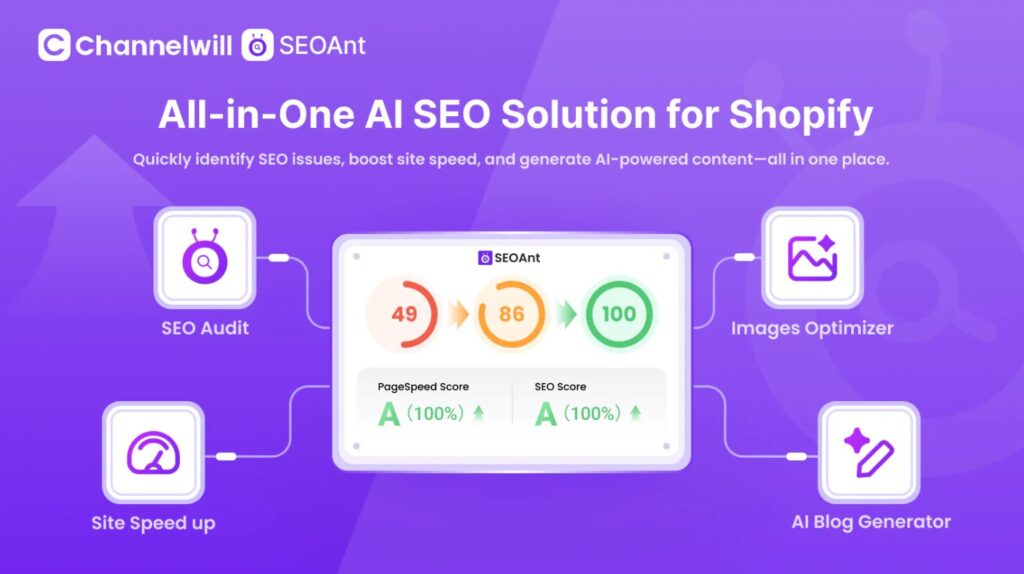
SEOAnt offers image compression along with advanced metadata control and lazy loading. It stands out with its AI-driven features, including automatic SEO score improvements and keyword audits.
Key Features:
Pros: ✔ Smart automation with AI assistance
✔ Alt-text and meta generation save time
✔ Ideal for SEO beginners and experts alike
Cons: ❌ Some users report that SEO audit suggestions can be repetitive
Pricing: Free plan available, Pro Plan $29.99/ month, Premium Plan $59.99 / month
Best for: High-speed compression and auto backups
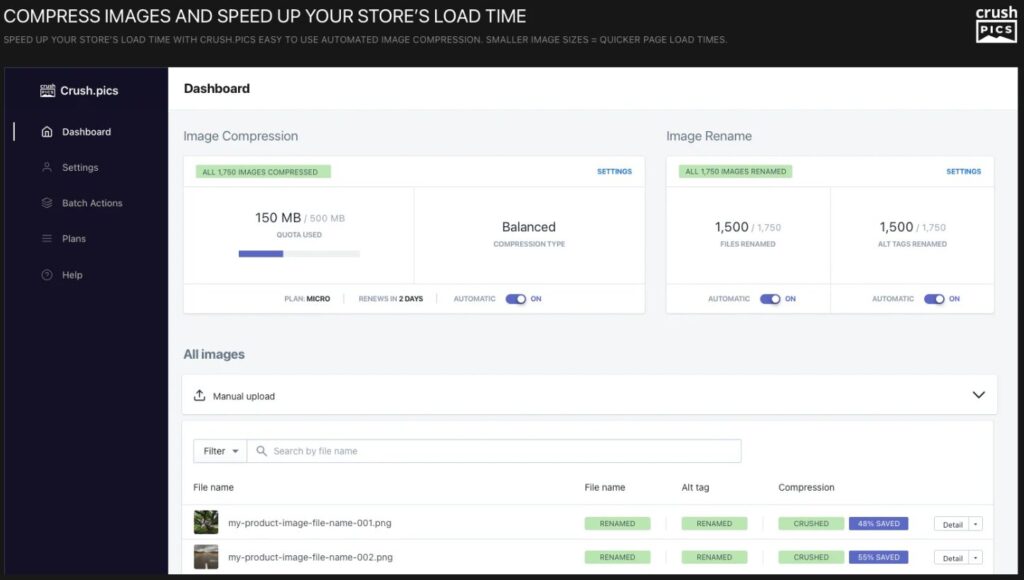
Crush focuses on speed and simplicity. It compresses images in real-time while offering auto-backups and image renaming. This helps keep your files clean and optimized without worry, supporting your overall Shopify speed optimization.
Key Features:
Pros: ✔ Very intuitive UI for beginners
✔ Excellent backup system for safe edits
Cons: ❌ SEO tools are not as robust as others
Pricing: Free plan with limited features; paid plans start at $4.99/month
Best for: Quiet, behind-the-scenes optimization
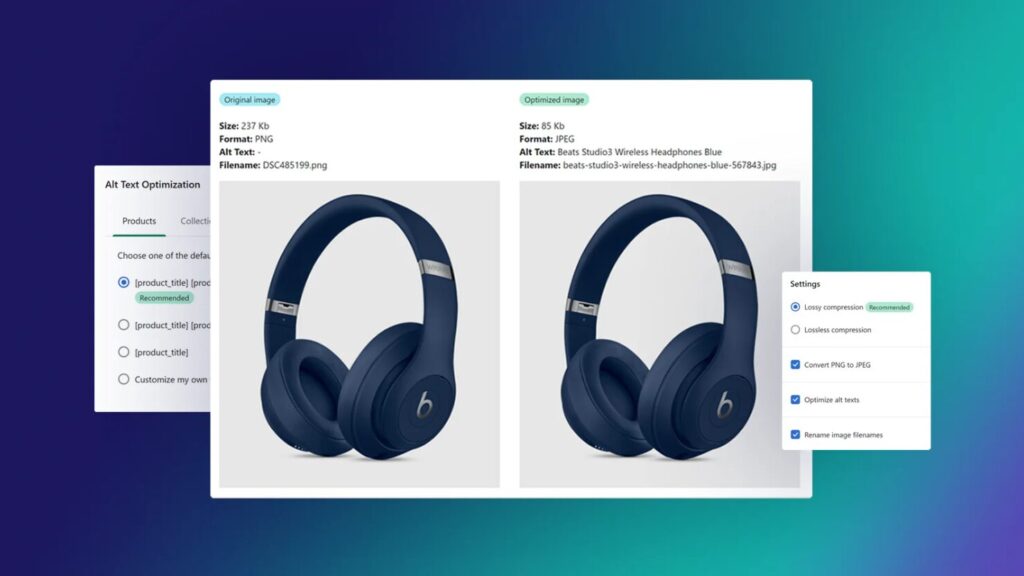
LoyaltyHarbour is a lightweight app that compresses images silently in the background. It supports PNG to JPEG conversion, filename edits, and alt-text updates, and plays a quiet but powerful role in Shopify page speed optimization.
Key Features:
Pros: ✔ Extremely simple and stable
✔ Great support and documentation
Cons: ❌ Lacks advanced SEO and reporting features
Pricing: Free for small stores; paid plans from $9/month; STANDARD $19.99 / month; PLUS $39.99 / month
Best for: Stores that want a dual-purpose SEO and image toolkit
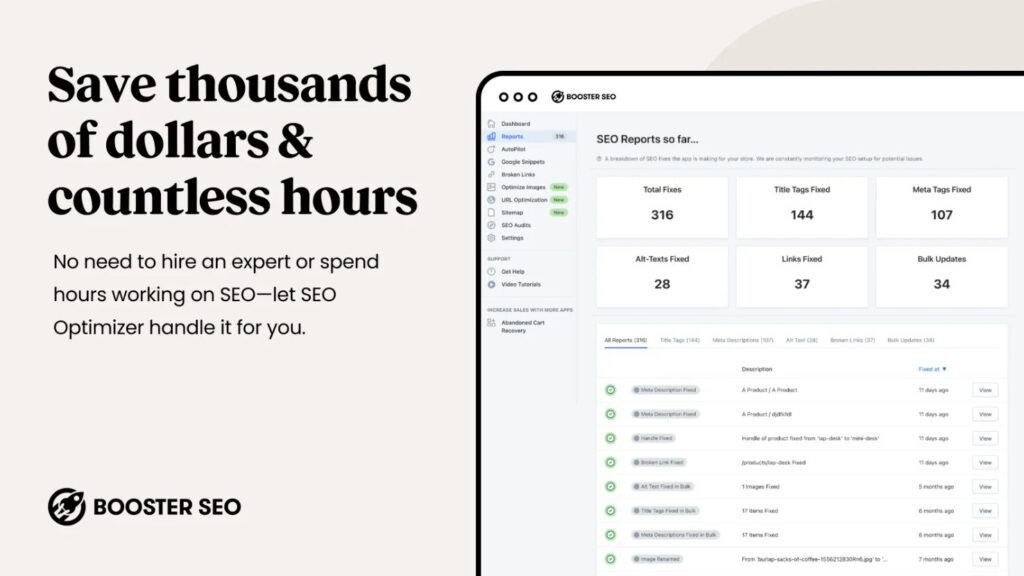
Booster is a powerful app that not only compresses images but also audits your store’s SEO. It’s especially helpful for scaling stores needing to manage thousands of product photos, and it’s a strong addition to any Shopify speed optimization strategy.
Key Features:
Pros: ✔ Designed for scale, handles large catalogs efficiently
✔ Comprehensive SEO and image features in one app
Cons: ❌ Some features are only available in premium plans
Pricing: Free trial available; paid plans from $39/month, Premium $69/month
Best for: High-quality image compression with SEO automation
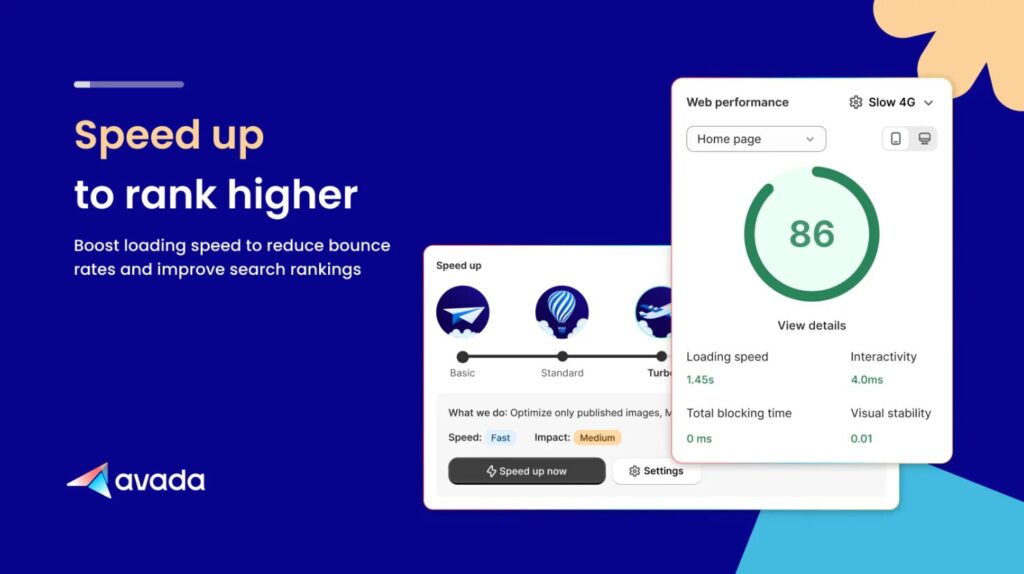
Avada is a top-rated app offering image compression, speed optimization, structured data, and audit reports. It’s especially effective for automating SEO across your Shopify store and supports Shopify speed optimization as part of a broader marketing strategy.
Key Features:
Pros: ✔ Rich in features with smart automation
✔ Great for Shopify SEO as a whole
Cons: ❌ Free plan has limited features per month
Pricing: Free plan available; Pro $34.95/month, Enterprise $99/month
Best for: Budget-conscious store owners
AppPlaza’s Image Optimizer is a no-frills tool perfect for beginners. It includes basic image compression, auto alt-text, and metadata updates — all on a generous free tier. If you’re starting your Shopify page speed optimization journey on a budget, this is a great place to begin.
Key Features:
Pros: ✔ Completely free plan with generous usage
✔ Clean UI for first-time Shopify users
Cons: ❌ Lacks bulk editing or structured data features
Pricing: Free plan available
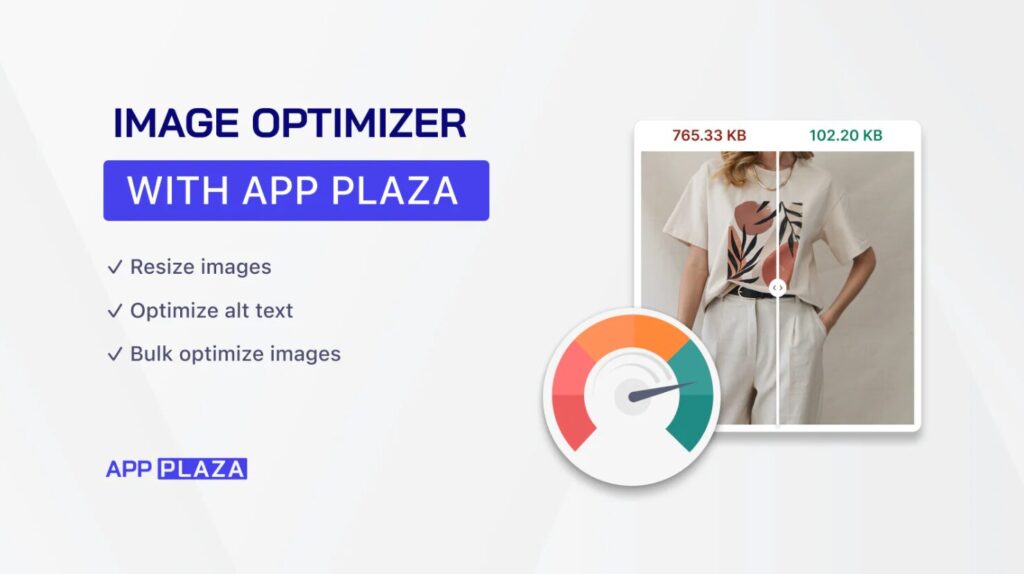
Image optimization is no longer just an afterthought, it’s a performance strategy. These apps help streamline the process, saving time while improving visibility, conversions, and customer experience. Integrating a powerful image optimizer Shopify app ensures you’re not only keeping your store fast, but also competitive.
Choosing the best image optimization app for Shopify depends on your store size, image volume, and how hands-on you want to be. Whether you want deep SEO control (TinyIMG, Booster), automation (Avada, SEOAnt), or simplicity (LoyaltyHarbour, AppPlaza), there’s a tool here for every brand.
Start small with a free plan, track your Shopify speed optimization results, and upgrade when you’re ready to scale. The right optimization app not only speeds up your store, it also lays the groundwork for stronger SEO, higher conversion rates, and better customer retention.
So if your goal is to drive conversions, improve UX, and take control of your Shopify page speed optimization, these image tools are a smart place to start.